
June 10 Webinar — Stop the Clock: Managing Network CVE Exposure in the Age of AI-Accelerated Attacks. Register Now 
BACKUP & RESTORE

Keep device configurations and automation artifacts recoverable.

Back up supported device configurations and preserve the model, policy, and process artifacts needed to operate them.
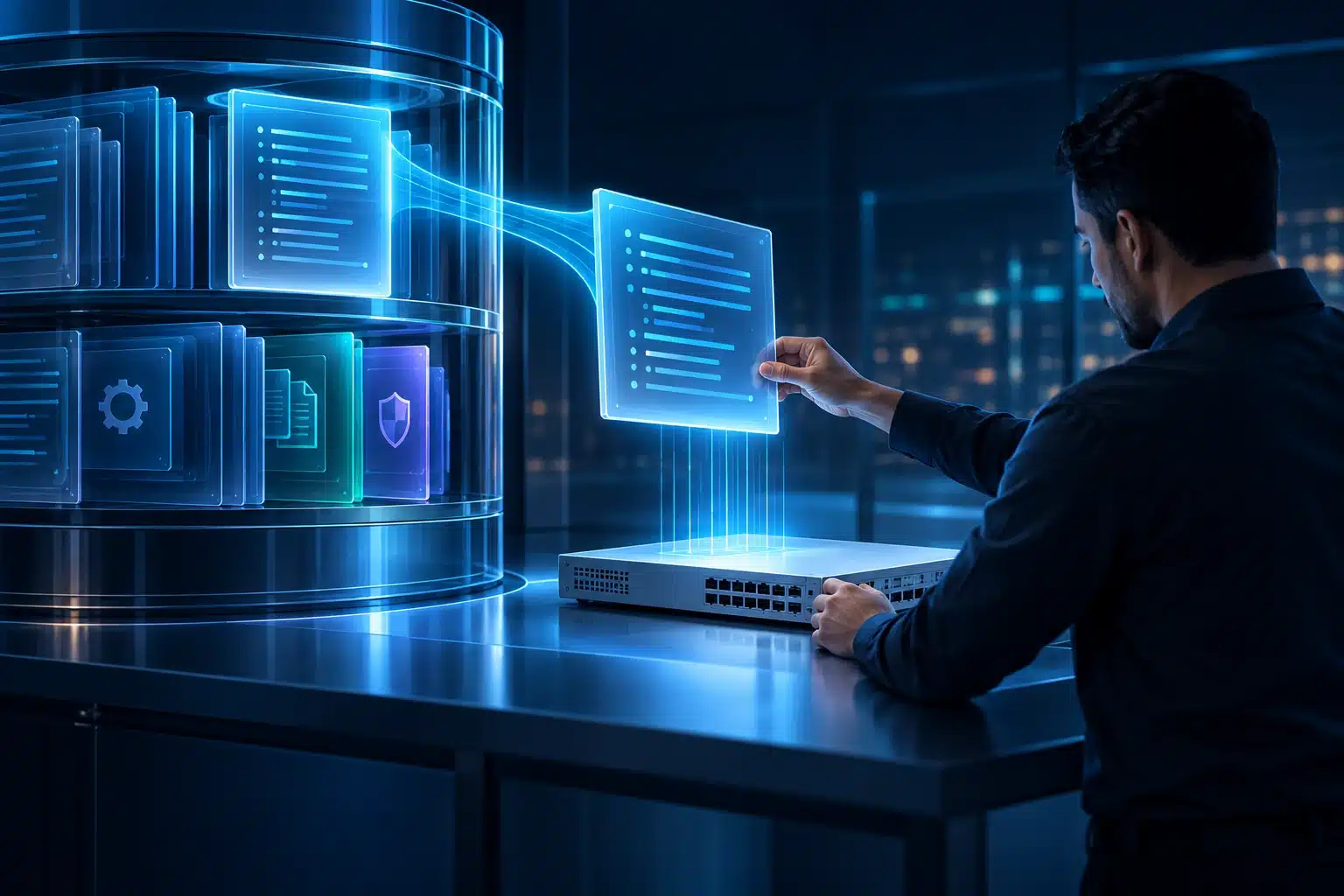
Check the configuration against the policy the business requires.

THE BUSINESS NEED

Build a repeatable lifecycle.

Recovery requires more than a saved text file. Teams need a usable device configuration backup, a supported restore path, and recoverable automation definitions. Gluware provides device configuration backup/restore through Device Manager and separate artifact recovery through Git integration.
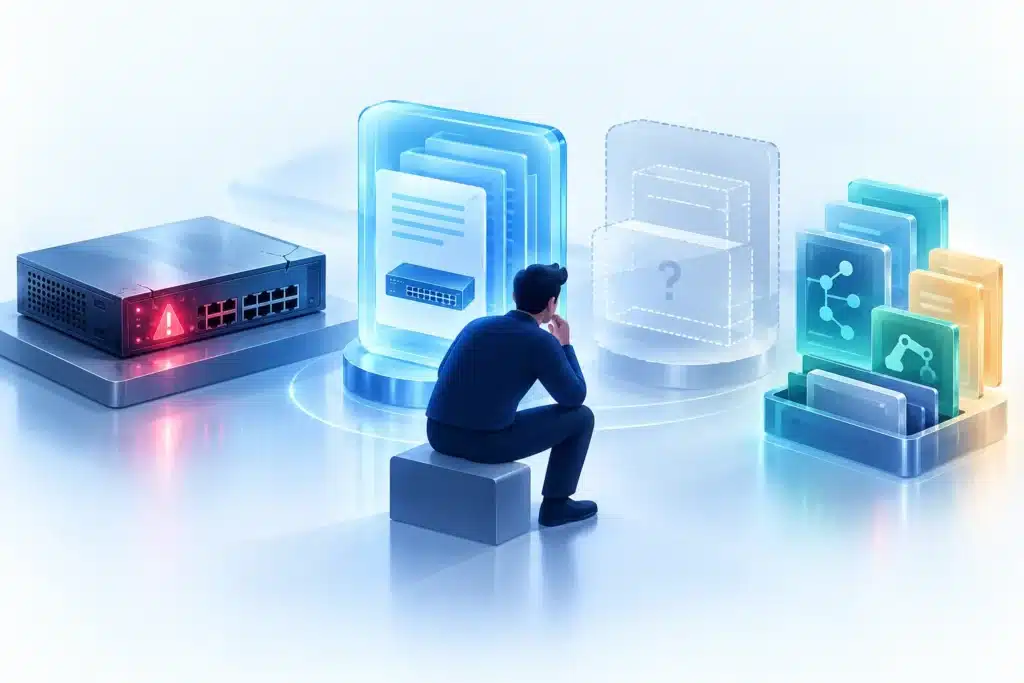
Build a repeatable capability.

HOW THE CAPABILITY WORKS

How Gluware delivers a robust process.
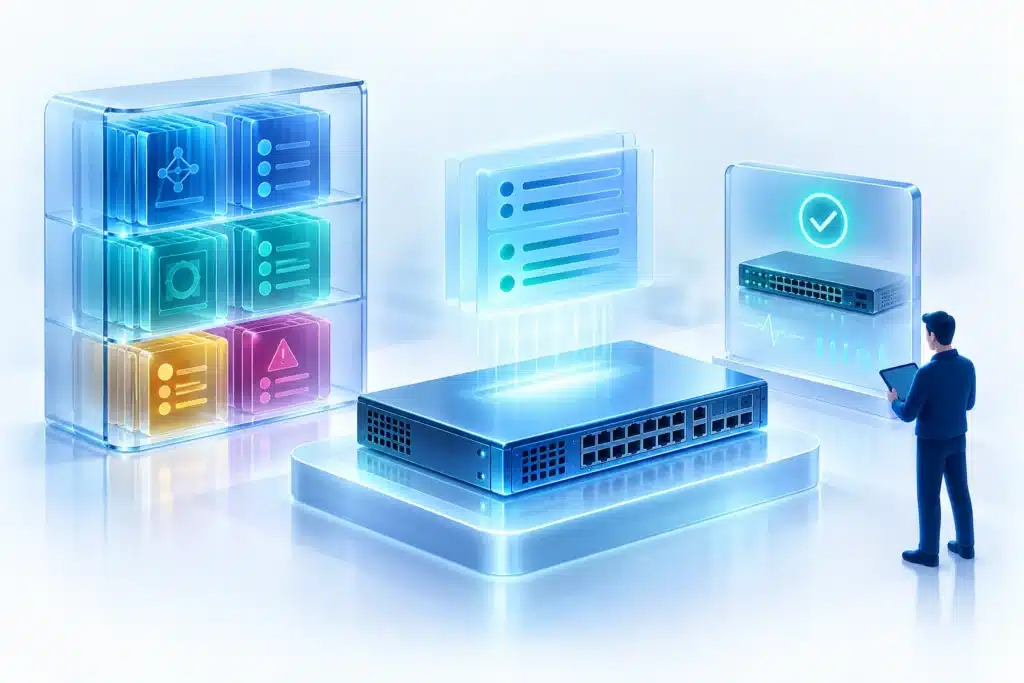
Define backup scope and cadence

Use Device Manager to back up a single device, a selected device group, or scheduled targets. Site organization helps teams apply backup coverage to the required fleet.

Capture, store, and retain backups

Backups are pulled off devices and stored centrally in the Gluware file system. Gluware keeps the latest backup and records changed content; unchanged captures do not create duplicate backup files. Retained backup history and logs follow configured retention policies.

Restore devices and replacements

Restore a known-good backup to the original device or a replacement of the same vendor and model, after establishing the required basic connectivity. Verify the device operating state after restoration. Network RPA can invoke the documented backup task; Device Manager owns the supported restore path.

Preserve automation artifacts separately

Enable Git integration for supported CME (Config Model Editor) constructs, audit policies, and Network RPA artifacts. Restore an artifact revision, review it, and use its owning runtime application when execution is required.

Make the outcome visible.

THE BUSINESS Value

Efficient operations for higher continuity.

Measure backup coverage, successful captures, failed jobs, and the time required to recover the appropriate configuration or artifact. Keep recovery procedures tied to the target and operation, and verify the device’s operating condition after a restore.

WHAT DELIVERS THIS CAPABILITY

Several components.
One operational capability.

Each component has a defined role in the process. Explore the reference pages for its functions and boundaries.

Device Manager

Owns device configuration backup, scheduling, status, and supported restore operations.

Network RPA

Invokes supported backup tasks and coordinates surrounding checks and records.

Version Control

Provides Git-based backup/restore for supported automation artifacts.

Config Model Editor

Owns model artifacts, CLI/API state checks, and modeled provisioning.

Config Drift & Audit

Owns audit-policy artifacts and separate snapshot comparison.

Explore the NAF architectural mapping →

Related Capabilities

Explore other key capabilities.

Device inventory

Maintain discovered hardware, software, configuration, site, and advisory information in a shared device inventory.

Git integration

Synchronize supported constructs, audit policies, and Network RPA artifacts with Git-based repositories.

Configuration intent & drift management

Define reusable configuration intent, detect departures, apply modeled changes, and reassess the result.

Platform Capabilities

Vendor and OS coverage

Device backup/restore includes Cisco IOS/IOS XE and NX-OS, Arista EOS, and Juniper Junos. Confirm the device model and restore operation before use.

See full vendor and OS coverage →

Git integration and Version Control

Git integration is the capability; Version Control is the Gluware component that provides it for supported automation artifacts.

BUILD ABOVE THE VALUE LINE

Keep device configurations and automation artifacts recoverable.

Back up supported device configurations and preserve the model, policy, and process artifacts needed to operate them.

Want to stay up to date on network automation?

Simply fill out the below information to

Receive the Gluware Newsletter

"*" indicates required fields

This field is for validation purposes and should be left unchanged.
Name*

By submitting this form, you acknowledge that Gluware will use your information to respond to your request. See our Privacy Policy for details.