
June 10 Webinar — Stop the Clock: Managing Network CVE Exposure in the Age of AI-Accelerated Attacks. Register Now 
OS MANAGEMENT & PATCHING

Move from an approved software version to a verified deployment.

Plan, validate, schedule, and review supported network software upgrades, downgrades, and patching operations.
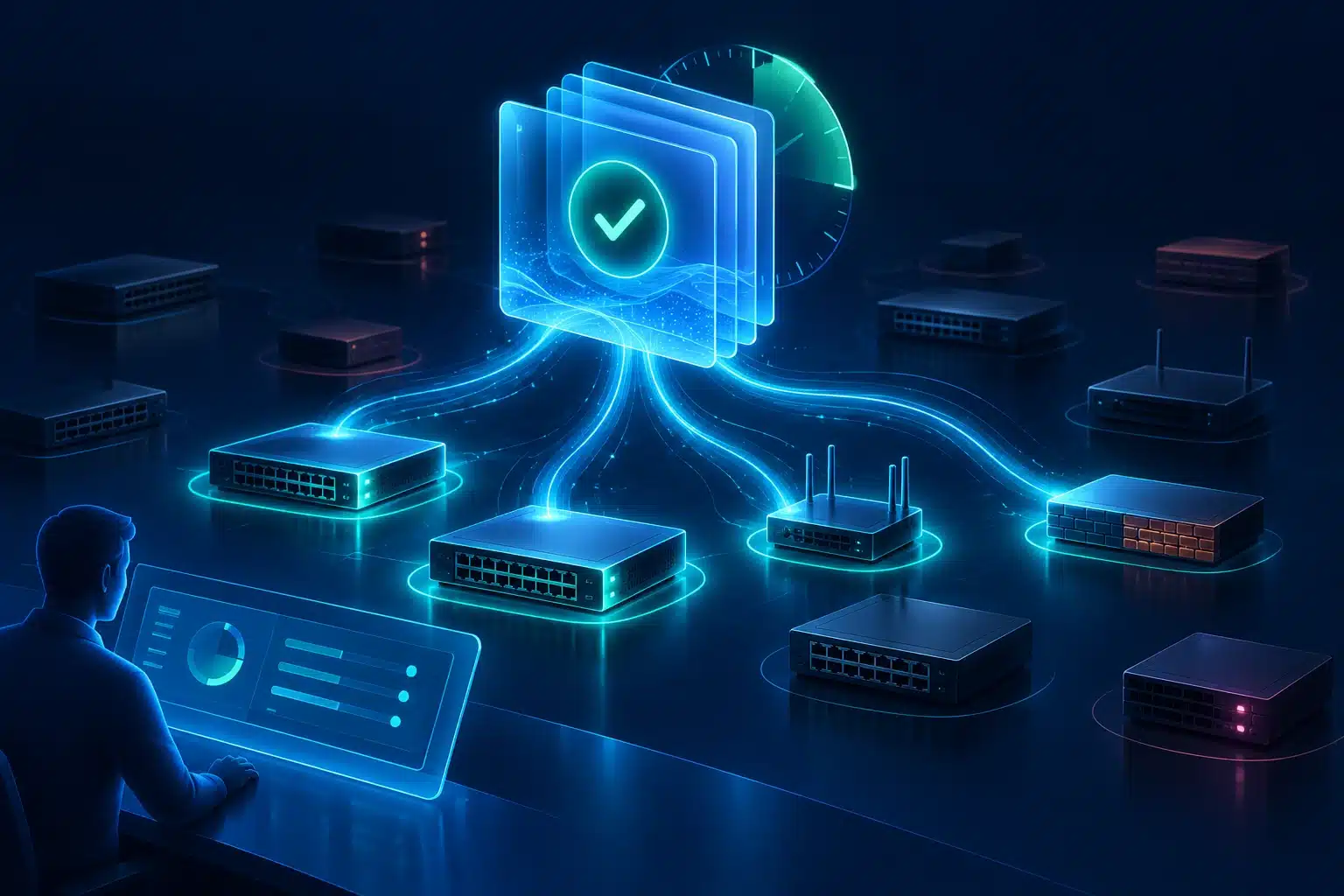
Move from an approved software version to a verified deployment.

THE BUSINESS NEED

Stay ahead of constant update demands.

Urgent vulnerabilities, aging software, and modernization create a continuing change backlog. Manually selecting images, moving files, and coordinating devices makes each update another project. Gluware connects inventory, image management, deployment plans, and operational checks into a repeatable software lifecycle.
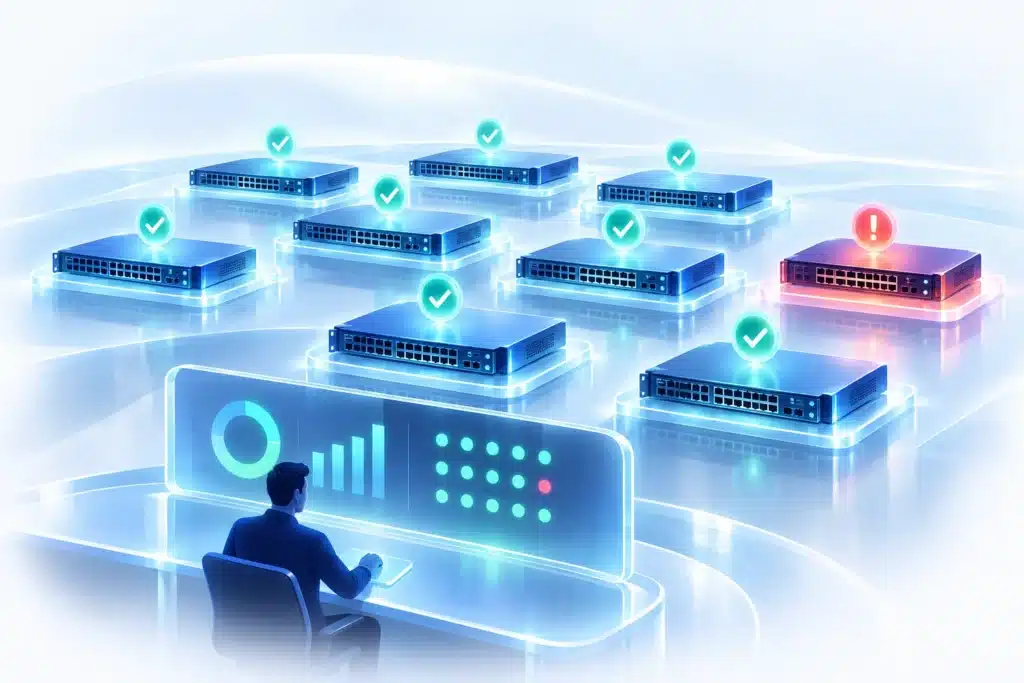
Measure completed changes, failed targets, software coverage, and time to verified patching.

HOW THE CAPABILITY WORKS

How Gluware supports a sound OS lifecycle.

Choose targets and approved images

Device Manager supplies discovered fleet and software context. OS Manager’s optional OS Catalog associates approved images with device SKUs; select the required image and supported target set for an OS Plan.

Prepare and distribute the files

Gluware File Server stores images and related artifacts. Distribute File Server instances across the enterprise and associate the appropriate service with target devices to improve image-delivery performance.

Execute the appropriate upgrade path

Use platform-specific upgrade paths including In-Service Software Upgrade (ISSU), multi-step upgrades, and controller-based deployment. Availability and sequence depend on the target platform, image, and installed package. Validate readiness, then transfer or deploy immediately or on a schedule.

Verify and recover

Review failed targets and execution logs, then use the supported rollback or downgrade path to return to the prior image when available. Rollback behavior and prerequisites depend on the device and upgrade type; a new OS Plan can retry failed targets. Network RPA can coordinate separate CME (Config Model Editor) assessment tasks around the plan.

Measure completed changes, failed targets, software coverage, and time to verified patching.

THE BUSINESS Value

Maintain optimal OS operations and security.

Measure completed changes, failed targets, software coverage, and time to verified patching. The business gains a repeatable path to reducing exposure and keeping infrastructure supportable, with the operational result recorded.

WHAT DELIVERS THIS CAPABILITY

Several components.
One operational capability.

Each component has a defined role in the process. Explore the reference pages for its functions and boundaries.

OS Manager

Owns OS Catalog use, image selection, OS Plans, validation, and deployment.

File Server

Provides distributed image and related-file delivery.

Device Manager

Supplies inventory, software context, management state, and advisories.

Config Model Editor

Runs separate CLI/API state assessments through supported paths.

Network RPA

Coordinates checks, plans, approvals, and external records.

Explore the NAF architectural mapping →

Related Capabilities

Explore other key capabilities.

Device & OS lifecycle management

Connect discovered inventory, device advisories, image selection, deployment plans, and operational checks.

Network exposure management

Bring device advisories, contextual CVE assessment, and supported remediation into a governed network process.

Network state assessments

Define CLI/API state checks for on-demand assessment, provisioning pre/post checks, and Network RPA tasks.

NIST & Cisco CVE/PSIRT integrations

Associate Cisco PSIRT advisories and NIST/NVD CVE information with discovered devices and software.

BUILD ABOVE THE VALUE LINE

Move from an approved software version to a verified deployment.

Plan, validate, schedule, and review supported network software upgrades, downgrades, and patching operations.

Want to stay up to date on network automation?

Simply fill out the below information to

Receive the Gluware Newsletter

"*" indicates required fields

This field is for validation purposes and should be left unchanged.
Name*

By submitting this form, you acknowledge that Gluware will use your information to respond to your request. See our Privacy Policy for details.