
June 10 Webinar — Stop the Clock: Managing Network CVE Exposure in the Age of AI-Accelerated Attacks. Register Now 
CONFIGURATION AUDIT

Check your configuration against the policy the business requires.

Evaluate required and forbidden configuration conditions with repeatable audit policies and evidence.

Check the configuration against the policy the business requires.

THE BUSINESS NEED

Standards need repeatable enforcement.

A saved configuration is useful evidence, but it does not establish that the device meets the required standards. Engineers need a repeatable way to evaluate installed configuration against company policy. Gluware connects defined audit rules to captured results, findings, and corrective work.
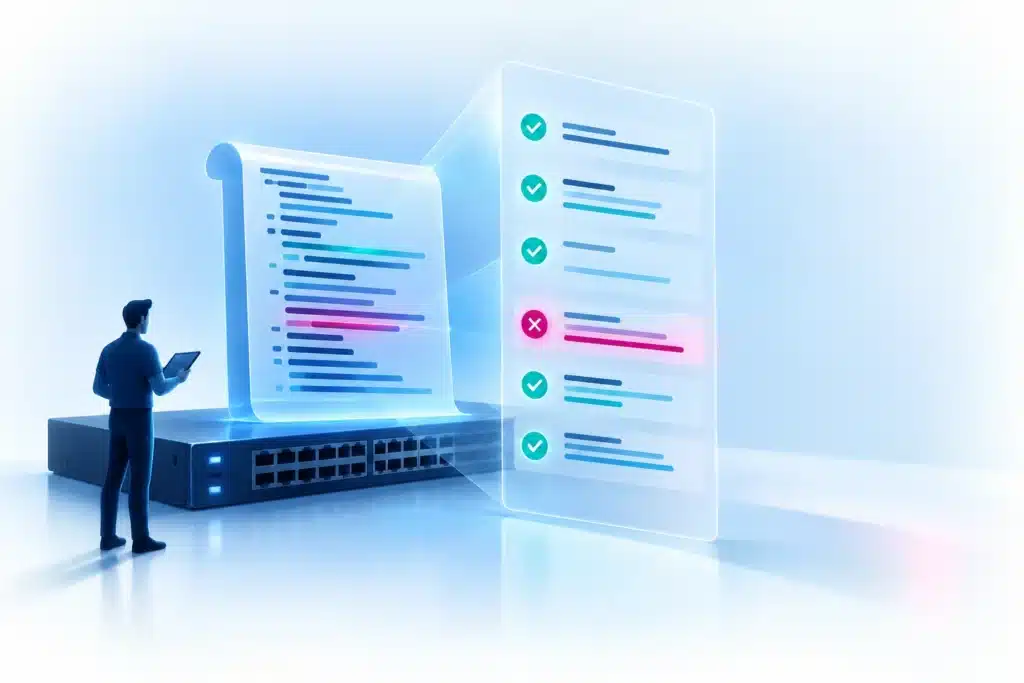
Build a repeatable capability.

HOW THE CAPABILITY WORKS

How Gluware supports a robust process.
Define the controls

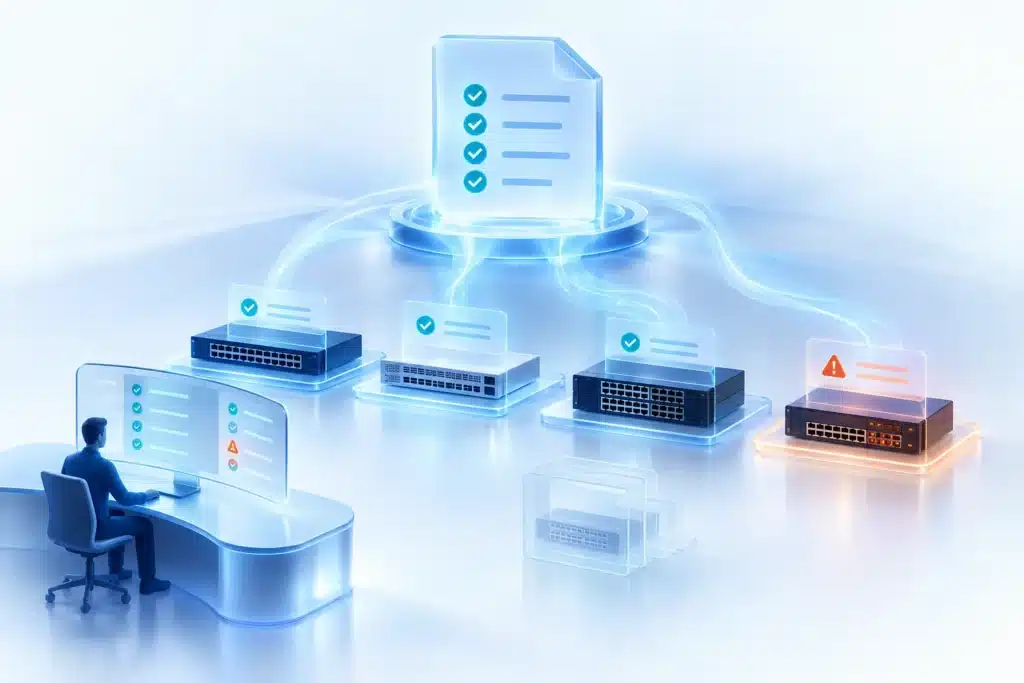
Config Drift & Audit owns audit policies and rules for required or forbidden conditions. Use captured configuration output, regular expressions, and installed modeling Concept Items where appropriate.

Capture and run the audit

Capture the relevant device configuration and evaluate the policy. Run on demand, on a schedule with email notification, from a syslog event, or through a Network RPA orchestration workflow.

Inspect findings and preserve evidence

Review rule results, execution detail, logs, and audit reporting. Export detailed audit evidence or use Data Explorer templates for reusable reporting. Optional Git integration synchronizes and backs up/restores audit policies.

Correct and reassess

Network RPA orchestration can coordinate the corrective process. CME (Config Model Editor) applies modeled CLI/API configuration changes and separate state assessments; a subsequent audit evaluates whether the defined controls now pass.

Measure covered policies and devices, recurring failures, exceptions, and time to resolution.

THE BUSINESS Value

Deliver consistent compliance and standards.

Measure covered policies and devices, recurring failures, exceptions, and time to resolution. Configuration audit checks required controls; snapshot comparison detects change. Together, they support sustained compliance and consistent network standards.

WHAT DELIVERS THIS CAPABILITY

Several components.
One operational capability.

Each component has a defined role in the process. Explore the reference pages for its functions and boundaries.

Device Manager

Owns device configuration backup, scheduling, status, and supported restore operations.

Config Model Editor

Performs modeled CLI/API corrective provisioning and separate assessments.

Network RPA

Coordinates audit, corrective tasks, and reassessment.

Data Explorer

Provides reusable reporting from stored fields.

Version Control

Provides optional Git-based policy synchronization and artifact restore.

Explore the NAF architectural mapping →

Related Capabilities

Explore other key platform capabilities.

Configuration intent & drift management

Define reusable configuration intent, detect departures, apply modeled changes, and reassess the result.

Continuous compliance & reporting

Connect repeatable policy checks, corrective processes, and evidence that operations, security, and compliance teams can review.

Network state audit

Evaluate captured operational command results against defined rules and retain findings for review.

Platform Capabilities

Git integration and Version Control

Git integration is the capability; Version Control is the Gluware component that provides it for supported automation artifacts.

BUILD ABOVE THE VALUE LINE

Check your configuration against the policy the business requires.

Evaluate required and forbidden configuration conditions with repeatable audit policies and evidence.

Want to stay up to date on network automation?

Simply fill out the below information to

Receive the Gluware Newsletter

"*" indicates required fields

This field is for validation purposes and should be left unchanged.
Name*

By submitting this form, you acknowledge that Gluware will use your information to respond to your request. See our Privacy Policy for details.